Overview
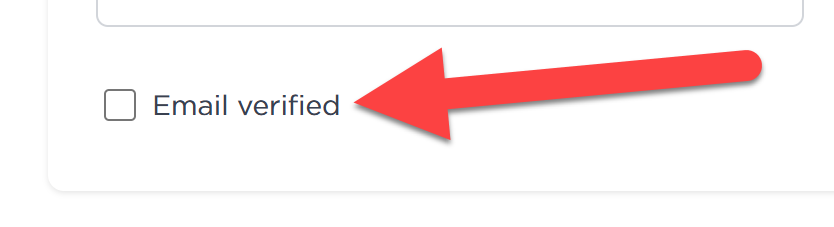
If signing in to Contently repeatedly prompts you to confirm/verify your email instead of logging you in, the most common cause is that the account’s email address has not been verified yet. Completing email verification (or re-sending the verification email and then verifying) restores access.
Solution
Issue
You can’t access your Contently account because sign-in repeatedly prompts you to verify your email instead of logging you in.
Common symptoms (verbatim examples)
- received a request to confirm and verify my email for each attempt
- the verification prompt persists instead of accessing my account right away
Likely cause
Your Contently account exists, but the email address on the account has not been verified yet. Until the email is verified, Contently may continue to prompt for verification and prevent normal access.
Resolution (email verification)
-
Find the verification email
- Search your inbox for a Contently verification email.
- Check Spam/Junk/Promotions folders as well.
-
Verify your email
- Open the verification email.
- Click the verification link inside the message.
-
If you can’t find the email, re-send verification
- Reach out to the support team using the same email address to manually verify your account on the backend.
-
Try signing in again
- Return to the sign-in page and log in after verifying.